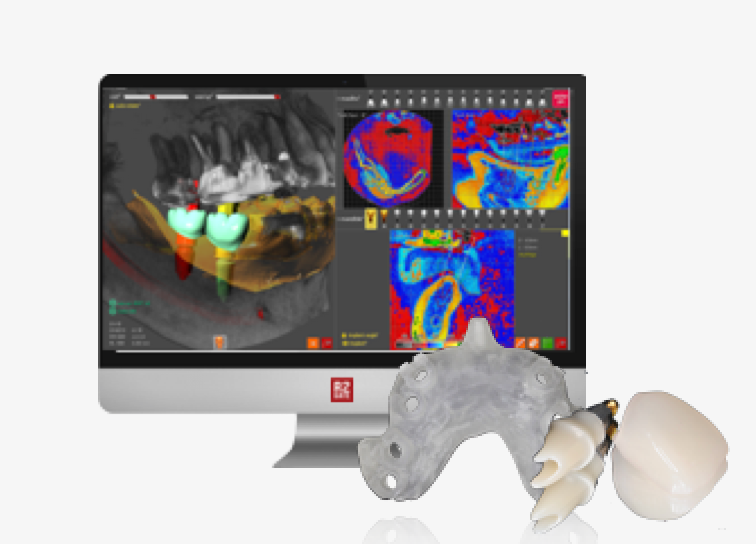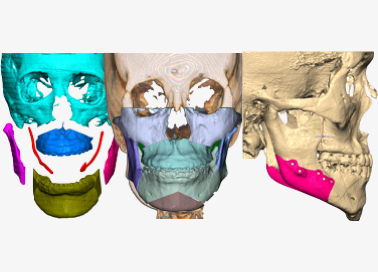






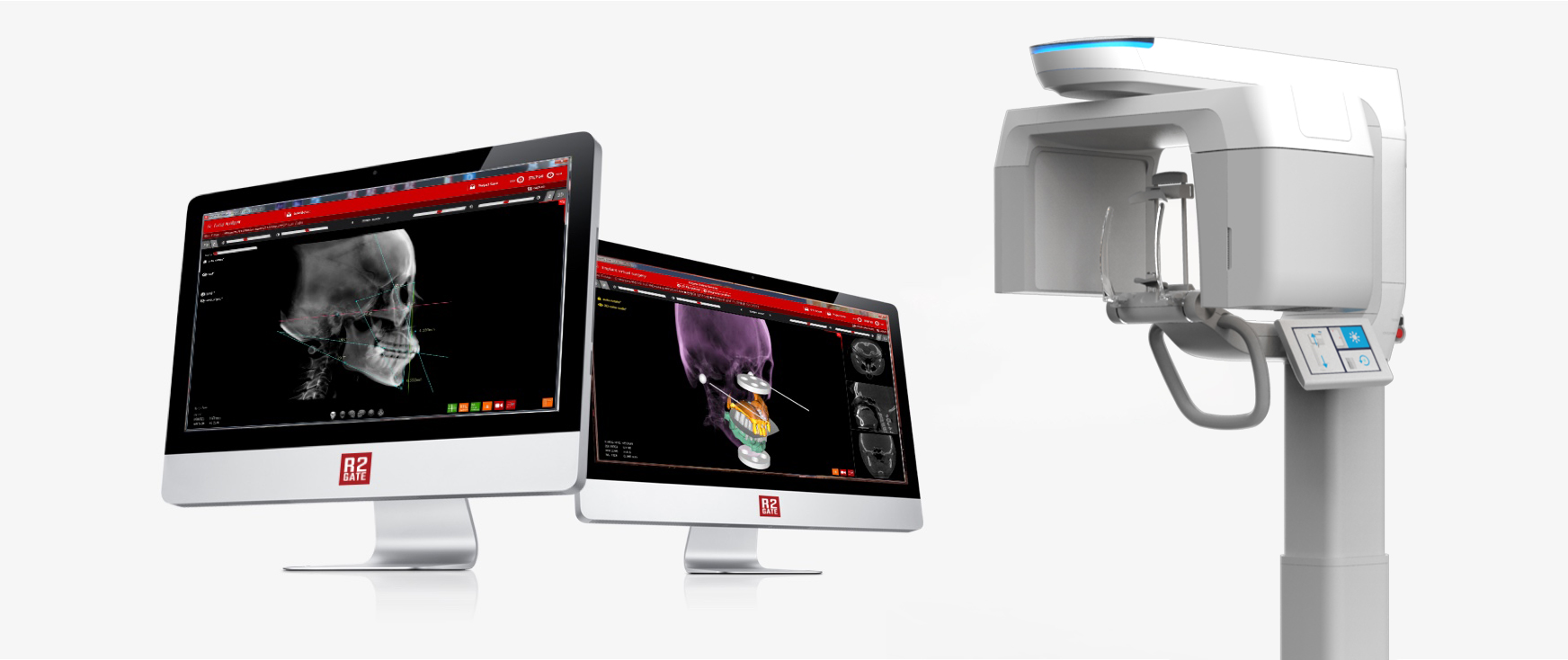
Synergy between R2 STUDIO Q and R2GATE DOD
(Digital Oral Design)
- New digital standard for treating complex cases using ONE device & ONE software
- Collection & digitization of patient data in ONE step
- Minimized treatment time as no need for face bow, lab-mounting, or manual wax-up
- Provision of highly esthetic & precise prosthetics
R2STUDIO digital work flow
Step01
Data Collection
- CBCT
- Face scan
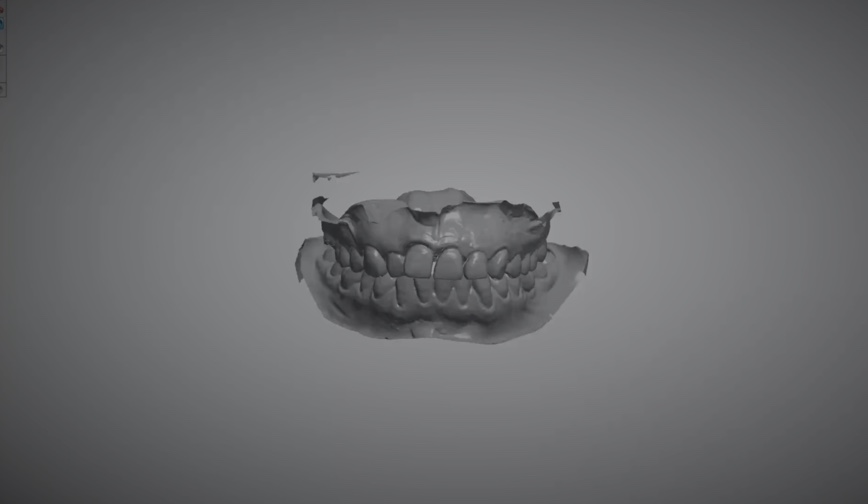
- Impression scan
Step02
Starting Point
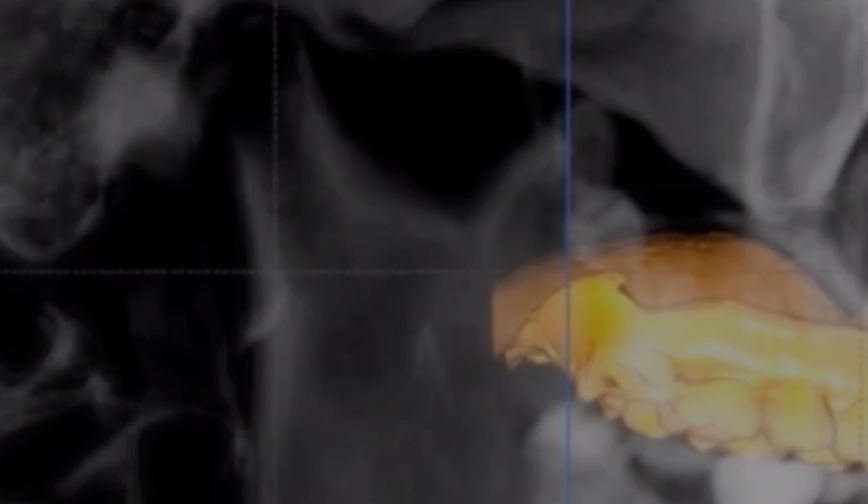
- CBCT reorientation
- Natural head position
- 3D facial matching
Step03
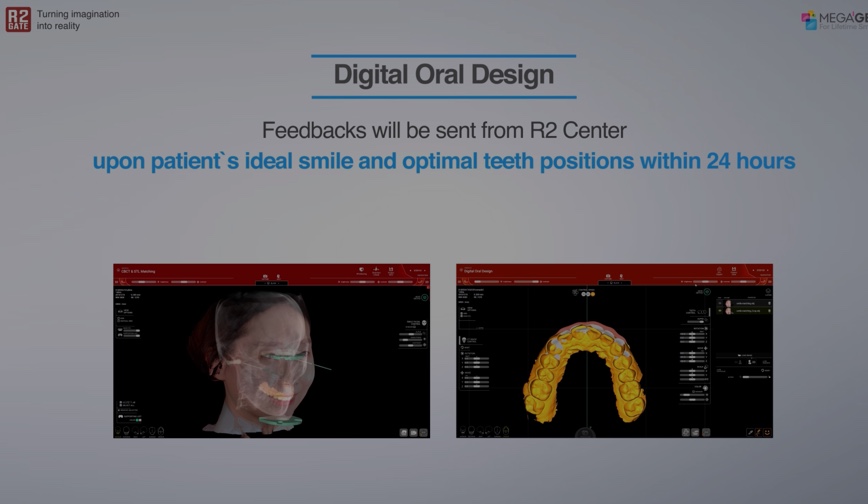
Digital Oral Design
- Facial pattern analysis
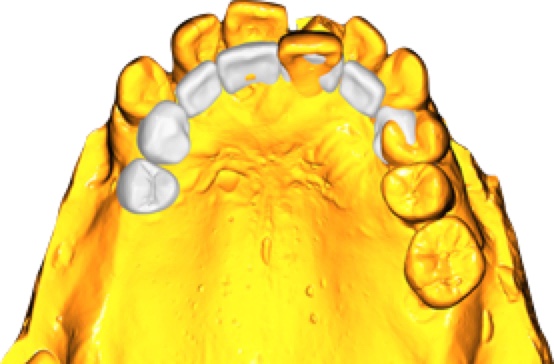
- Maxillary anterior teeth position
Step04
Data Transfer
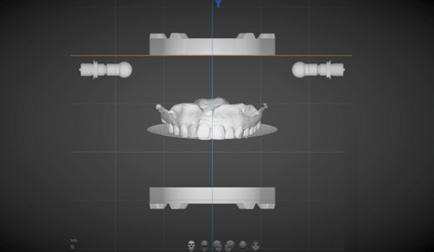
- Digital face bow
- Digital occlusal table
Step05
CAD/CAM
- Full wax-up
- Mock-up printing
- Prep guide
- Implant guide
- ONE-DAY teeth
- Digital prosthesis
Data Collection (10 mins)
CBCT
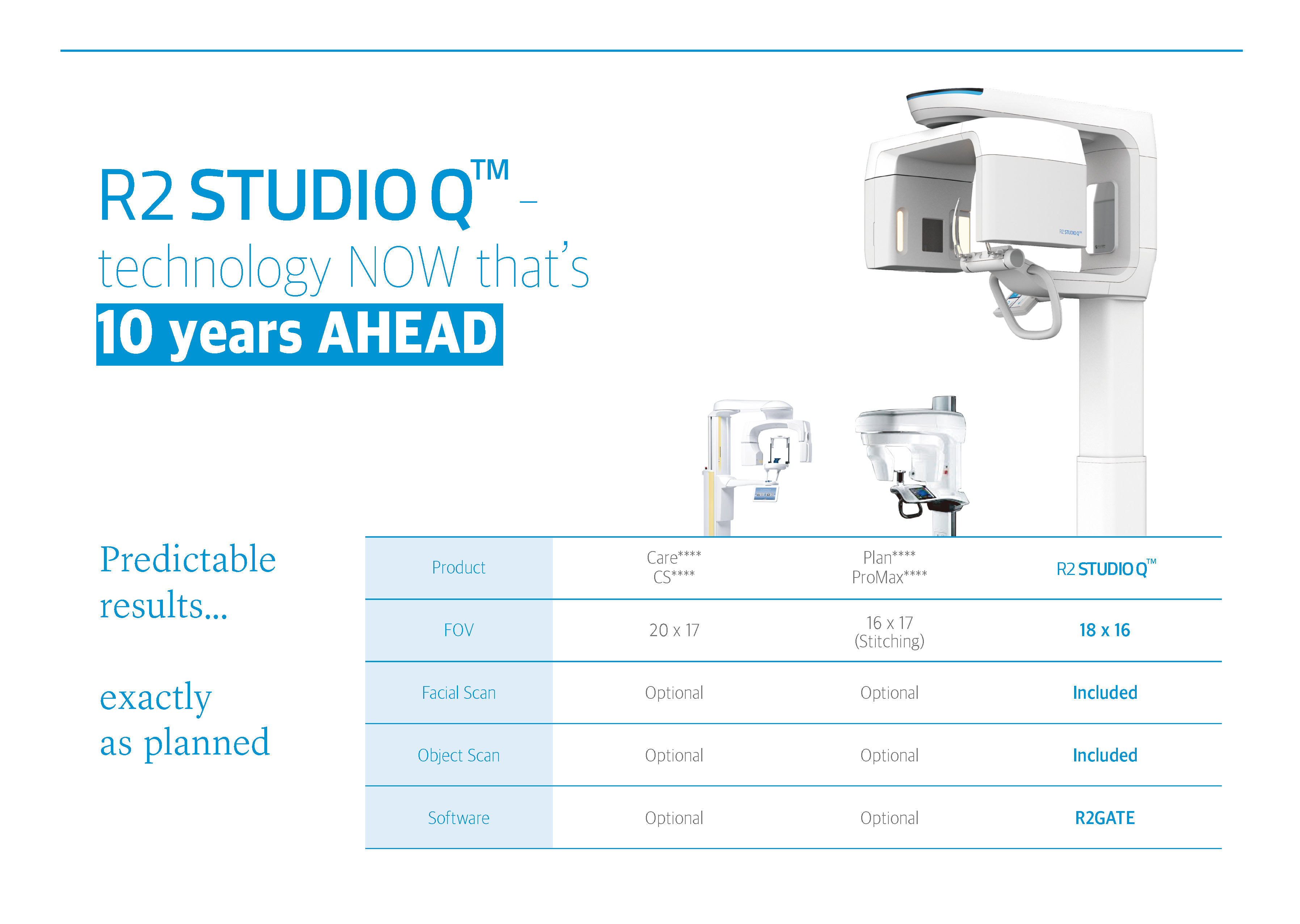
- Broad 20x20 FOV to create virtual patient
- 6 sec for 20 x 20 CBCT scanning
- Light-guided flexible FOV control
3D Facial Scan
- 3D depth camera (1280x720)
- Independent photo-taking module
- 5sec for full-size facial scanning
- 1800x848 full-size 3D file (OBJ format)
Object (impression) Scan
- Handy scan process
- 20sec for impression scanning
- Auto STL converting process
- Easy to export model file (Open STL format)

Set Starting Point
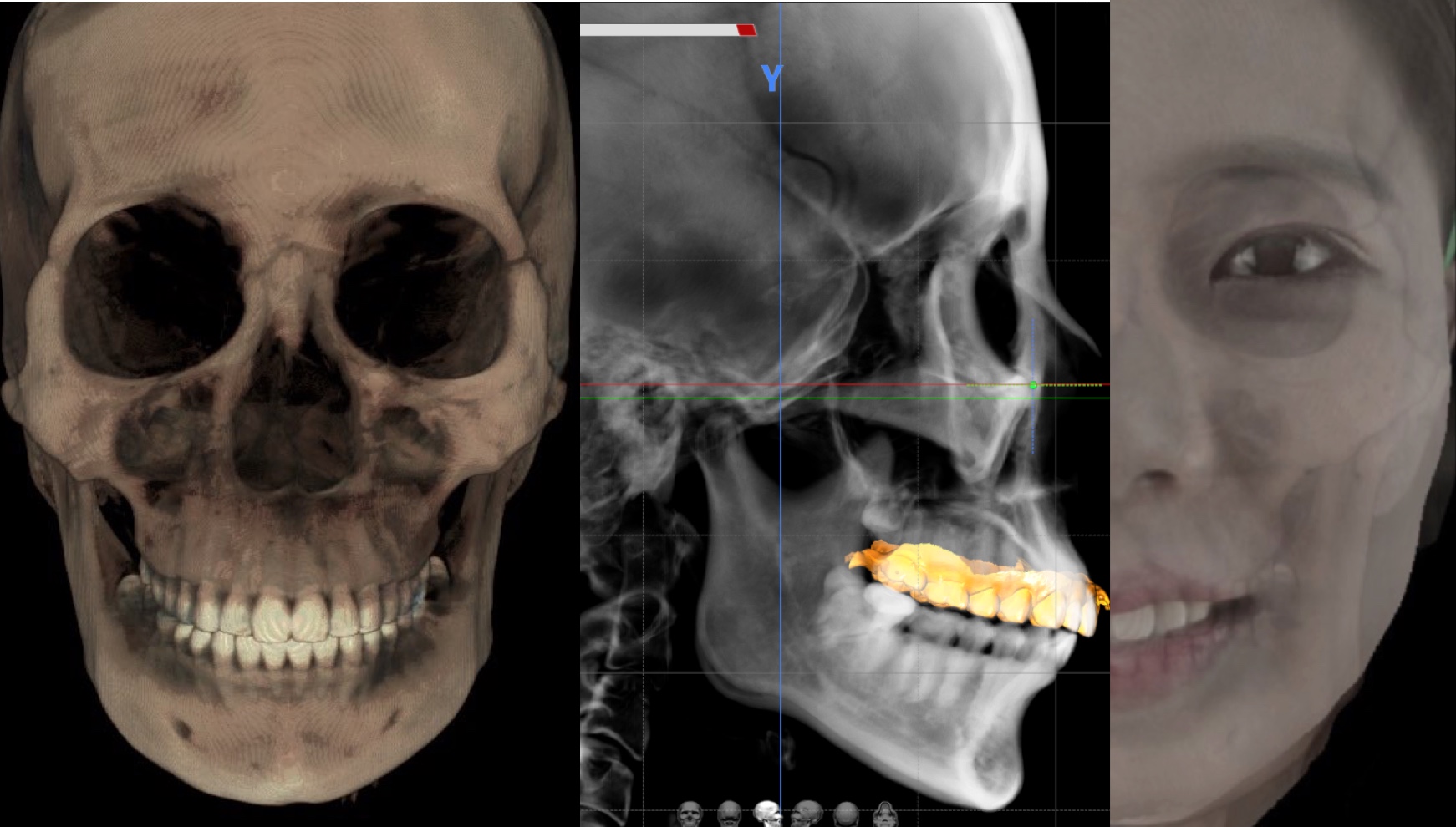
- Find mid-sagittal plane as starting point
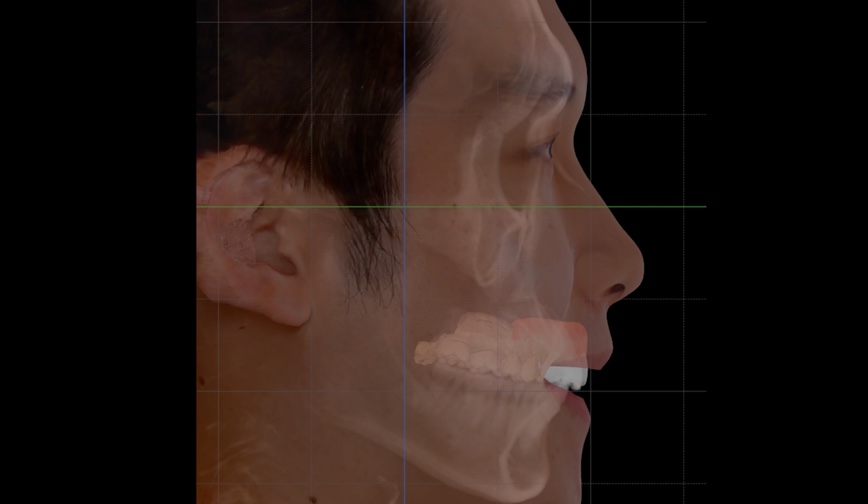
- Align head position with Frankfort Horizontal (FH) plane or natural head position
- Match 3D facial scan with aligned CBCT to complete digital patient
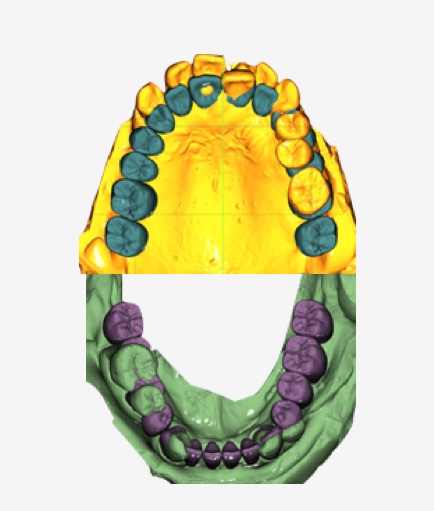
Applications
- Implant guides & full-mouth reconstructions
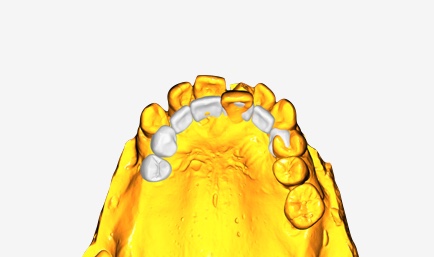
- Laminates in esthetic zone
- Mock-up designs & printing
- Crown lengthening & gingivectomy
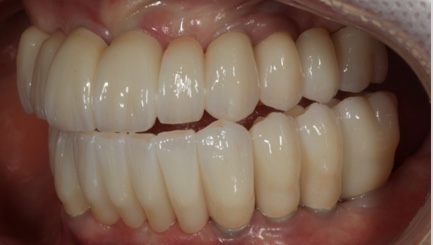
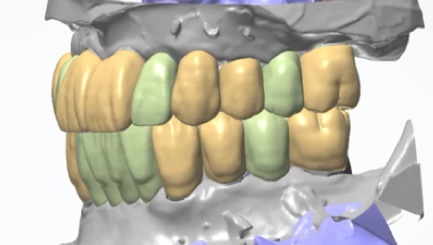
R2GATE YouTube Channel
Stay updated on the latest digital advancements via our social media channels!
#MegaGen #R2Playground

YouTube

QVD (R2 Studio Q Vertical dimension Decision) solution
Create a Dental Avatar Easily with R2 Studio Q and Find the Optimal VD with AI!
R2 QVD: Revolutionizing Vertical Dimension Determination for Edentulous Patients
R2 QVD offers an innovative solution for determining the Vertical Dimension (VD) in edentulous patients without the need for traditional wax-rims or additional tools. By utilizing Dental Avatar technology, the system enables clinicians to set the optimal VD quickly and efficiently.
This cutting-edge feature leverages facial scan data for smile design and analyzes facial patterns through CBCT Cephalometrics, providing an average vertical dimension tailored to the patient. With R2 QVD, clinicians can easily capture and analyze data during the patient's first visit, determine the VD, and design full-arch temporary teeth.
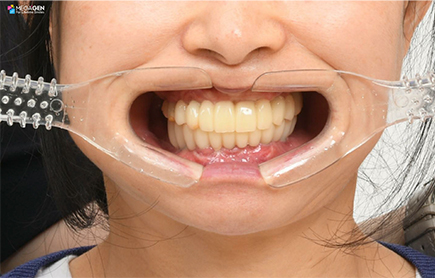
In the second visit, the system facilitates implant surgery and the immediate restoration with temporary teeth, streamlining the process to the provisional stage with minimal effort. This technology simplifies treatment for edentulous patients, making full-arch rehabilitation faster and more accessible for both clinicians and patients.

1st Visit: Patient Consultation Using the Smile Creator App
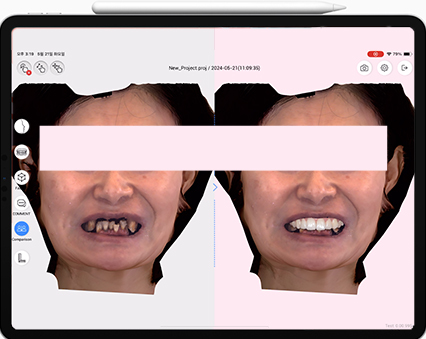
1R2 Studio Q Facial Scan
Using R2 Studio Q, you can begin the treatment process by prioritizing the facial scan
2Patient Consultation Using Smile Creator
When you input a Facial Scan into the Smile Creator system, the AI analyzes the facial features and suggests an ideal smile design tailored to the patient's unique proportions
3Dental Avatar
Once the patient agrees to proceed with the treatment, the next steps involve combining various digital data sources to generate a highly accurate Dental Avatar.
1st Visit: QVD Protocol
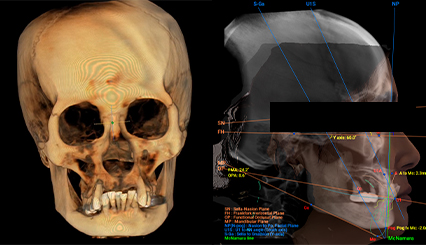
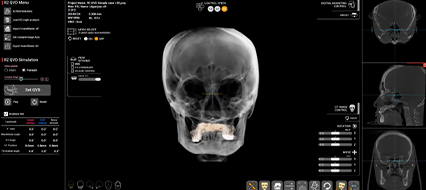
1Ai CBCT reorientation:
AI Alignment of Dental Avatar Data with the Frankfort Horizontal (F.H.) Plane
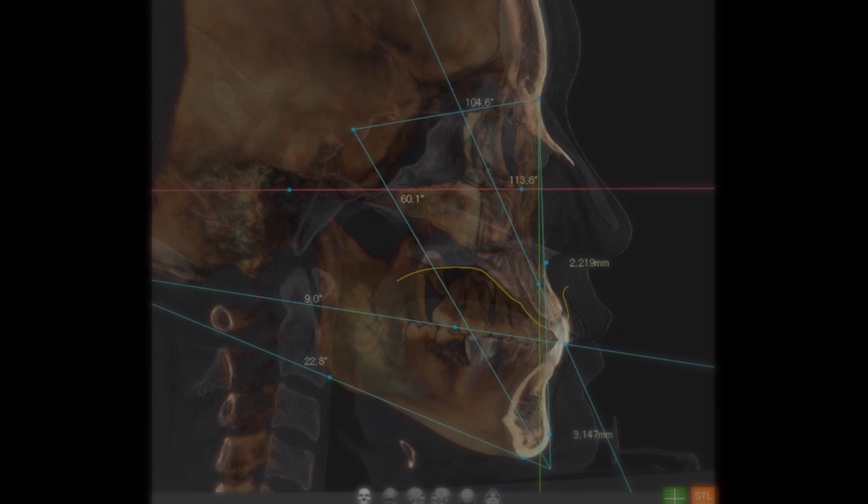
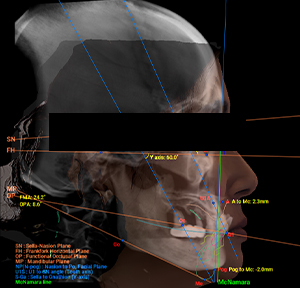
2Ai CBCT Cephalomatric analysis:
The AI system automatically conducts a CBCT Cephalometric analysis, providing comprehensive measurements and insights based on the patient’s anatomical structures.
3Determining the Vertical Dimension (VD)
AI-Driven Determination of Vertical Dimension (VD) Using Condyle Head Position and Rotation Hinge from CBCT
4Ideal Occlusal Plane
Once the Vertical Dimension (VD) is established, the system proceeds with automatically setting the occlusal plane at the optimal angle to ensure both esthetic and functional harmony.
5Virtual Wax-up
After the occlusal plane is established, the system proceeds to load the wax-up library for both the upper and lower arches.
6Implant planning
Implant Positioning Based on Determined Wax-Up
1st Visit: Lab-side communication
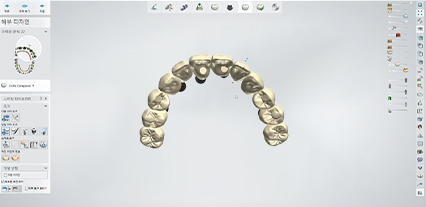
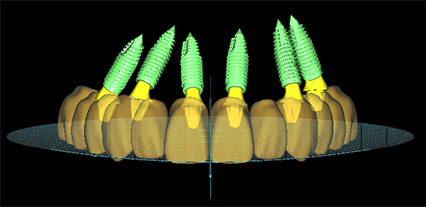
1Providing STL Files Reflecting the Treatment Plan and Diagnostic Data
You can receive the reference STL files, created during the Dental Avatar and QVD process, from the clinic. These files include the adjusted positions of the upper and lower jaws, the occlusal plane, and the wax-up.
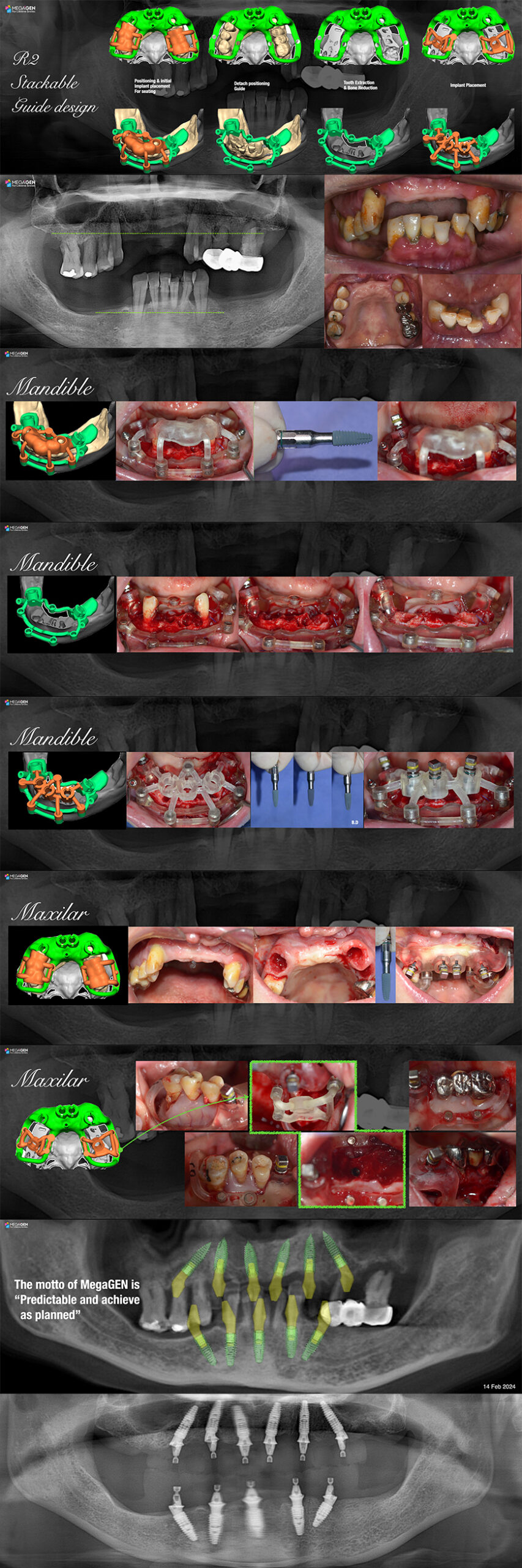
2Surgical Guide Fabrication
The surgical guide is created by integrating both the diagnosed implant library and the working-side scan data
3Provisional Fabrication
The provisional crown is designed using the wax-up and occlusal plane extracted during the QVD process.
4Design Revaluation
The completed provisional crown is applied to the Dental Avatar to reassess both the esthetic and functional aspects.
2nd Visit: Implant surgery
QVD
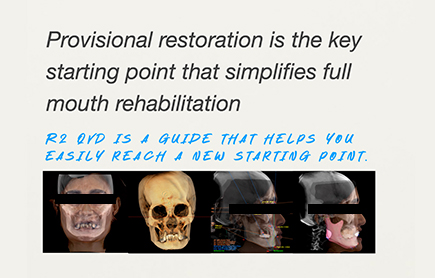
QVD offers a straightforward and efficient solution for determining the occlusal vertical dimension (OVD) in edentulous patients, allowing anyone to easily progress to the first temporary restoration stage.
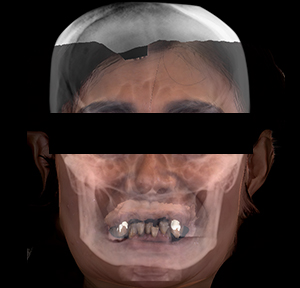
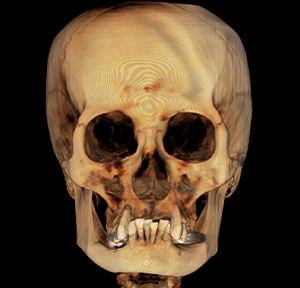
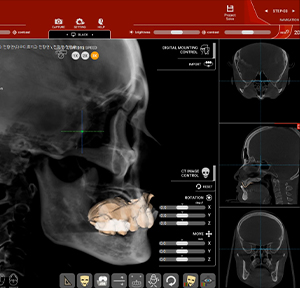
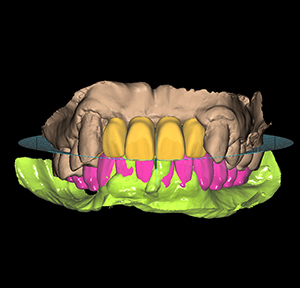
- The patient's smile is analyzed to determine the ideal position of the central incisors.
- The patient's facial pattern is analyzed to determine a comfortable occlusal vertical dimension.
- The occlusal plane library is used to create a provisional restoration with an ideal occlusion.